Most solar owners spend a lot of time thinking about their system before it goes in, and then almost no time looking at it once it is running. The panels are up, the bills have dropped, and life moves on. That is completely understandable. But your inverter is quietly doing something useful every single day, and learning to read what it is telling you takes about ten minutes and can save you a lot of grief down the track.
This is a practical walkthrough for South Australian homeowners who want to get more out of their system without needing a degree in electrical engineering. We will go step by step through what your inverter display actually shows you, what the numbers mean, and where the common traps are. If anything looks off after reading this, that is exactly the kind of thing worth raising with a local installer who knows your system.
Step One. Find Your Inverter and Understand What It Does
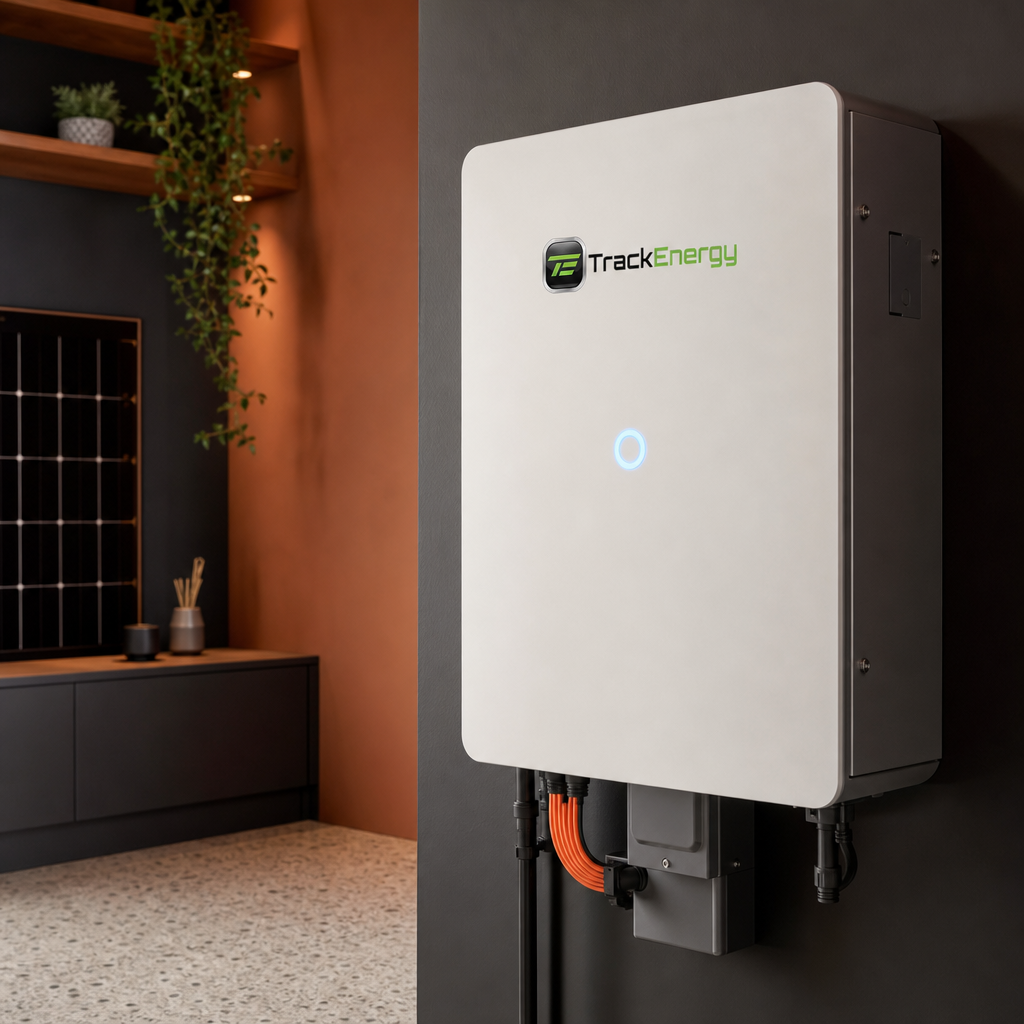
Your solar inverter is usually a box mounted on an interior or exterior wall, often near your switchboard or in a garage, laundry or under a staircase. It converts the DC electricity your panels generate into the AC electricity your home actually uses. Every watt your system produces flows through this device, which is why it is such a useful point to check.
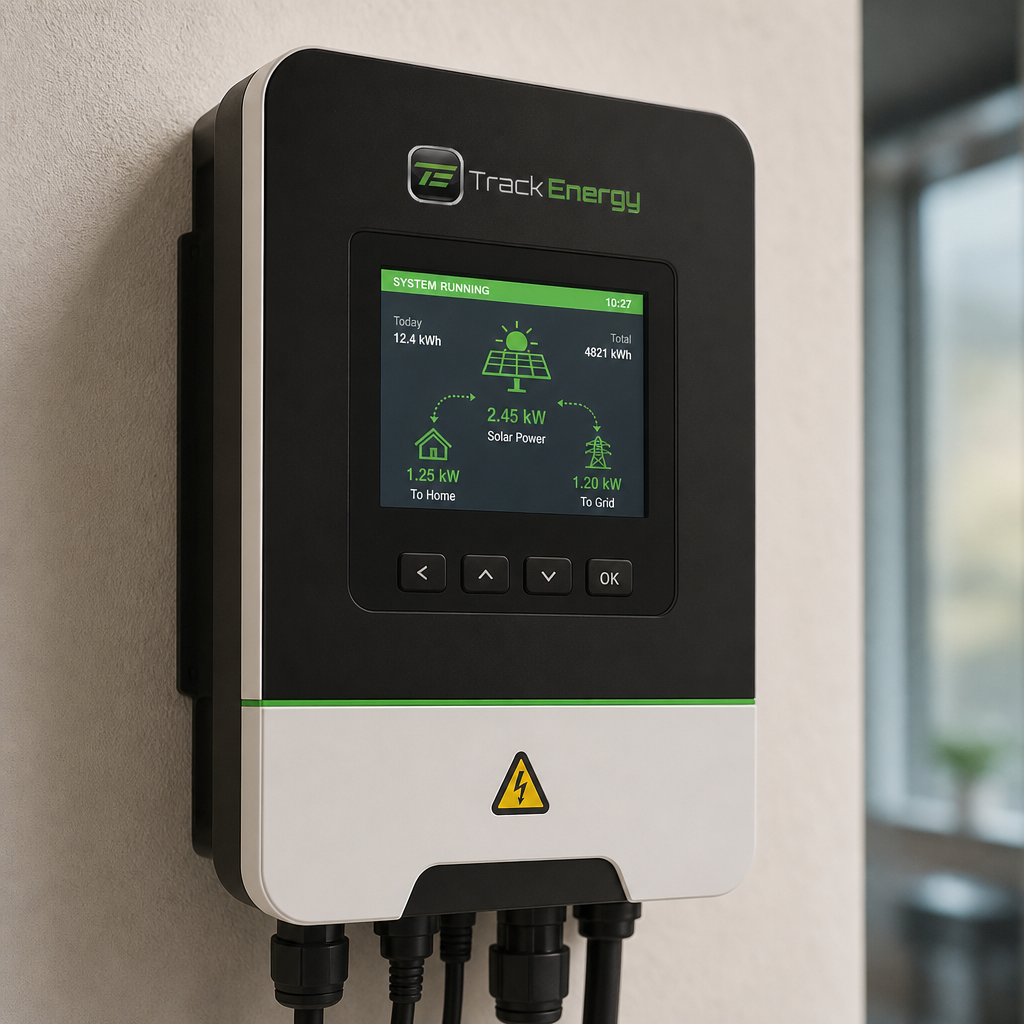
Most modern inverters have a small display screen, either a simple LED readout or a more detailed LCD panel. Some have companion apps you can check on your phone. Both give you the same core information. For this guide we will focus on the physical display, since that is what you can walk up and look at right now.
A quick trap here. Not all inverters look the same. String inverters, hybrid inverters and microinverter systems each display information a little differently. If your display does not match what we describe below, check the model name on the front of the unit and look up the quick start guide online, or call your installer.
Step Two. Learn the Four Numbers That Actually Matter
Your inverter display will typically cycle through several readings. Most homeowners only need to pay attention to four of them.
- Current output in watts or kilowatts. This is how much power your system is generating right now. On a clear spring morning in Adelaide you should see this climbing steadily from around sunrise. A healthy residential system on a good day will often reach somewhere near its rated capacity around solar noon, which is roughly 1pm South Australian time during daylight saving.
- Daily yield in kilowatt hours. This is how much energy your system has generated today so far. It resets each morning. Comparing this number across similar weather days over a few weeks gives you a rough sense of whether your system is performing consistently.
- Total yield in kilowatt hours. The running lifetime total of everything your system has ever generated. Useful for a big picture sense of how your investment is tracking over time.
- Status or fault indicator. This is often a light or a code rather than a number. Green or a running status message usually means all is well. Any fault code, flashing light or error message warrants a closer look, which we will cover shortly.
A common trap at this step is confusing watts with kilowatt hours. Watts and kilowatts describe power at a moment in time. Kilowatt hours describe energy accumulated over time. Think of watts like the speed of a car and kilowatt hours like the total distance travelled. Both matter, but for different reasons.
Step Three. Check Performance Against the Season
Once you know what your inverter is displaying, the next step is knowing whether those numbers are actually good or just okay. This is where a lot of homeowners get tripped up, because solar output is not the same every day and that is completely normal.
South Australia's solar conditions vary significantly across the year. Summer days can push a well sized system to its rated output for several hours at a time. Winter days are shorter and the sun sits lower in the sky, so daily yields will be noticeably lower even on perfectly clear days. That is not a fault. That is physics.
A practical way to track performance is to note your daily yield on a few clear days each season. After a year or two you will have a simple reference point for what your system does under good conditions at different times of year. If a reading one day is dramatically lower than your usual clear day benchmark and the weather does not explain it, that is worth investigating.
The trap here is panicking unnecessarily. A single low day after a cloudy morning is not a red flag. A consistent pattern of lower than usual output across multiple clear days is worth a call to your installer.
Step Four. Recognise Fault Codes and What They Mean
If your inverter is showing a fault code or a non standard status message, the most important thing is not to ignore it and hope it goes away. Some fault conditions will cause your system to stop generating entirely until they are resolved.
Common fault types you might see include grid voltage faults, isolation faults, overtemperature warnings and communication errors. Without knowing your specific inverter model it is impossible to say exactly what each code means, which is why the first step is always to check the display against the manual for your unit. Most inverter manufacturers publish these online by model number.
What you should not do is attempt to open the inverter, reset internal components or investigate wiring yourself. Inverters carry live voltages that are genuinely dangerous, and working on them without the right qualifications is both unsafe and likely to void your warranty. If the manual does not resolve the question, this is a job for a qualified installer.
One trap that comes up regularly in South Australia is what is called grid overvoltage. Because so many homes in SA have solar, local grid voltage can push high during peak generation times. Some inverters will fault or throttle output in response. This is a known issue in parts of the Adelaide network and there are technical solutions available. If you are seeing this pattern, it is worth raising with your installer specifically.
Step Five. Connect Your Monitoring App and Set Up Alerts
Most inverters installed in the last several years come with a companion monitoring app or web portal. If yours does and you have not set it up yet, this is genuinely one of the most useful things you can do today. A good monitoring setup means you do not have to walk out to check the display manually. You can see what your system is doing from your phone, and more importantly, you can set up alerts so the system tells you when something looks wrong rather than you having to notice it yourself.
The setup process varies by brand but generally involves connecting the inverter to your home wifi and registering an account with the manufacturer's platform. Your installer should have walked you through this at commissioning. If they did not, check the documentation that came with your system or contact your installer for a hand with the setup.
If you have a battery storage system alongside your solar, your monitoring app will typically show you battery state of charge, charge and discharge rates and how your home is drawing on stored energy. This is where monitoring becomes especially powerful, because you can start to see exactly how your system is covering your household load across the day and evening.
When to Call Your Installer
Reading your inverter is about building a baseline familiarity with your system, not turning yourself into a solar technician. The goal is to notice when something looks different from usual, so you can flag it early rather than months down the track after the issue has already cost you generation.
Call your installer when you see a fault code that does not clear on its own, when your daily yield drops significantly below your usual benchmark across multiple clear days, when the display is completely blank or the unit appears not to be running during daylight hours, or when your electricity bills suggest your system is not exporting or self consuming the way it used to.
Over more than a decade of installations across South Australia, the pattern we see most often is that small issues caught early are simple fixes. The same issues left for six months become bigger ones. Your inverter display is the system's way of telling you how it is going. It pays to listen.
Get a free solar quote from Track Energy. Visit trackenergy.com.au or call 0416 533 628